Thursday
15 JanHow to Spot Website Issues Without Tools
You can identify issues on your own website without any tools by seeing how it looks on different devices and clicking through links and forms. You can also review your page titles and images in your browser to notice problems easily.
We run these checks on every site before using any paid tools at H-Mag. These rapid tests take little time and give you quick answers.
In this guide, we’ll explain:
- How to do mobile view checks
- SSL certificate verification process
- The ways to detect broken links and menu issues
- How to test forms and calls to action
- The process of reviewing page titles, images, and heading structure
- How regular checks keep your site healthy
Ready? Let’s begin.
What Are the Basic Website Checks You Can Do Without Tools?
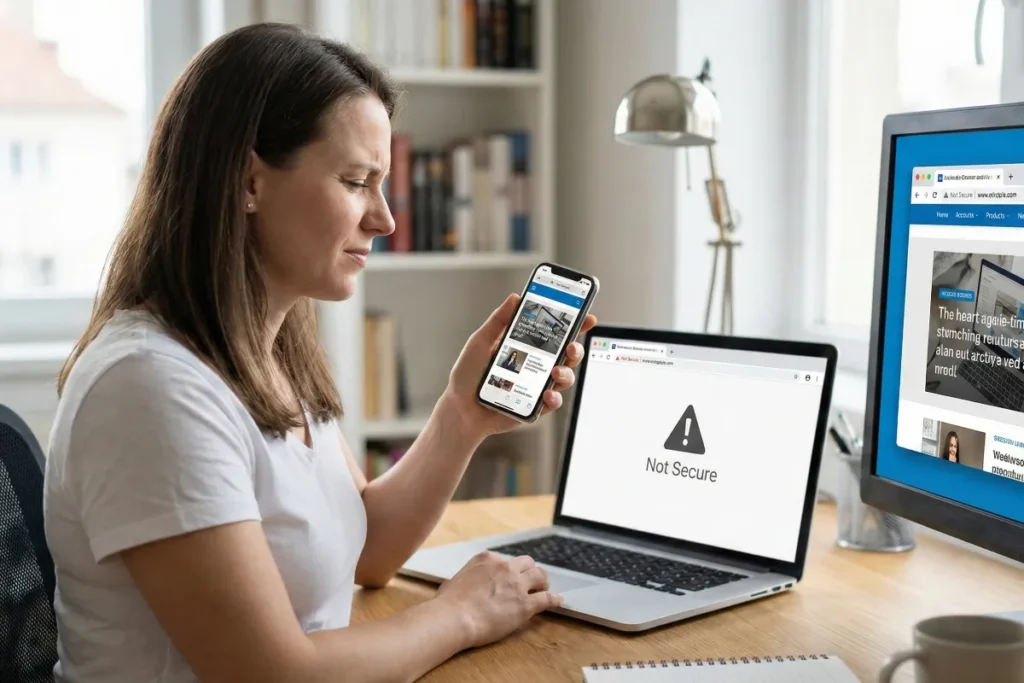
Basic website inspections without tools include testing your site on mobile phones, viewing it across different browsers, and checking your SSL certificate in the browser bar. Many people still aren’t aware that you don’t need any expensive SEO applications to do these audits; your browser alone is enough.
We’ll now explain these tasks.
Mobile View Checks
You need to examine first if your website shows correctly on various devices. Simply load up your site on your phone and computer, then watch for anything that feels out of place.
But wait, there’s a catch. More than half of web traffic comes from mobile, so you need to focus particularly on how your site looks on a cell phone. Does it appear broken on a smaller screen? You can be certain that your visitors leave before reading a single word (first impressions are really everything).
To verify if your website is truly wobbly on a mobile, tap every button, scroll through different pages, and check if the text is readable without zooming in. We’ve seen sites where the entire menu vanished on handheld gadgets.
Once your site’s phone view seems good, you should test it on different browsers. Open it in Chrome, Safari, and Firefox. Each browser displays things a bit differently, and what works in one might break in another. That’s why you need to ensure that your site looks the same everywhere.
SSL Certificate in the Browser Bar
The padlock icon next to your web address tells people that your website is safe to visit. The icon comes from SSL (or the newer version, TLS), which creates a secure and encrypted connection. And that secure link changes pages from HTTP to HTTPS.
Why is that important, though? Well, without HTTPS, the browser displays a bold “Not Secure” warning. Not only does it scare people off instantly, but it also hurts you in search results. It’s because search engines like Google have treated HTTPS as a ranking signal for years.
Pro tip: Check for intrusive pop-ups or banners that block content. They can trigger penalties from Google.
How Do You Find Broken Elements on Your Website?
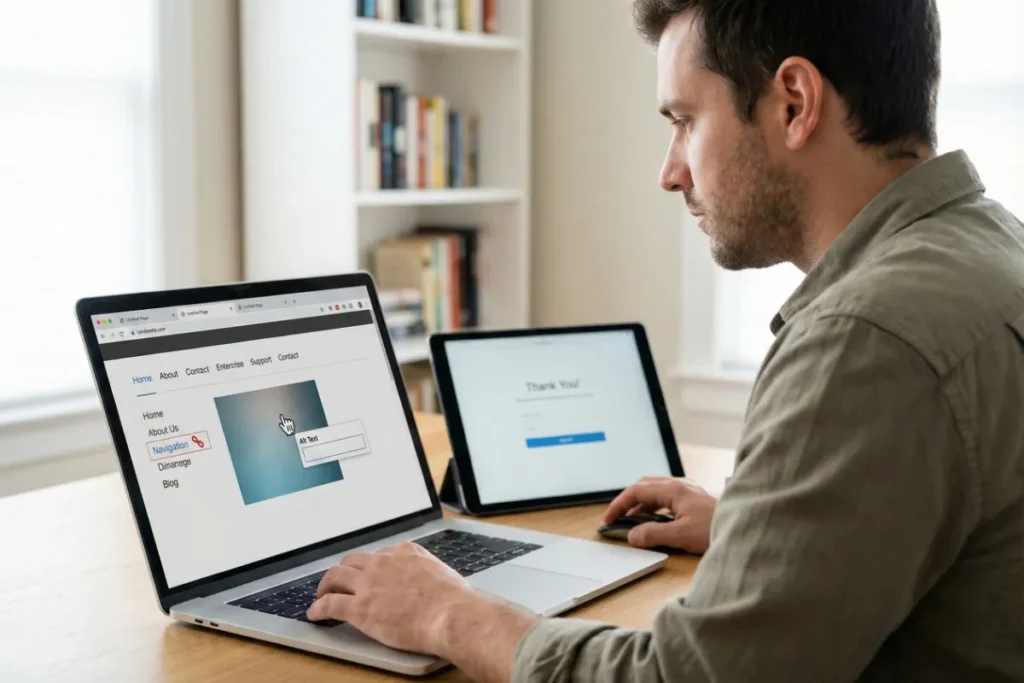
You find broken elements by clicking through all the links, testing forms and calls to action (CTA), reviewing meta titles in browser tabs, and inspecting images for alt text. It’s also important to check your heading structure.
Here’s how you can do all of these things without any SEO tools:
- Links and Menus: Start by clicking every link on your website pages. Try the menu on a computer and on mobile devices to see if it works properly. Specifically, external links often break because they lead to pages that have been removed.
- Forms and CTAs: Before you think you’ve finished setting up your form, send a test entry through each of them. Also, check that any confirmation emails actually arrive. One of the e-commerce owners we worked with found that their contact page had been losing messages for weeks. Don’t make the same mistake.
- Page Titles and Meta Description: Hover over your browser tabs to see the full meta titles. Every page should have its own clear title for search engine optimisation. However, if you spot anything like “Home” or “Untitled”, it’s a sign that you need to fix your titles immediately.
- Images and Alt Text: Are you sure search engines are reading your images properly? Right-click any picture and choose “Inspect” to find whether alt text is present, because missing alt text creates accessibility issues. Plus, keep an eye out for broken image icons, which means the file can’t load and needs urgent attention.
- Heading Structure: Your headings should flow logically from H1 down to H3, and each web page should have only one H1. When the headings are messy, it confuses both users and search engines. Believe it or not, we spot this issue on almost every site audit.
These simple actions may cost nothing and require no tools, but don’t underestimate the impact they have.
What Regular Checks Keep Your Site Healthy?
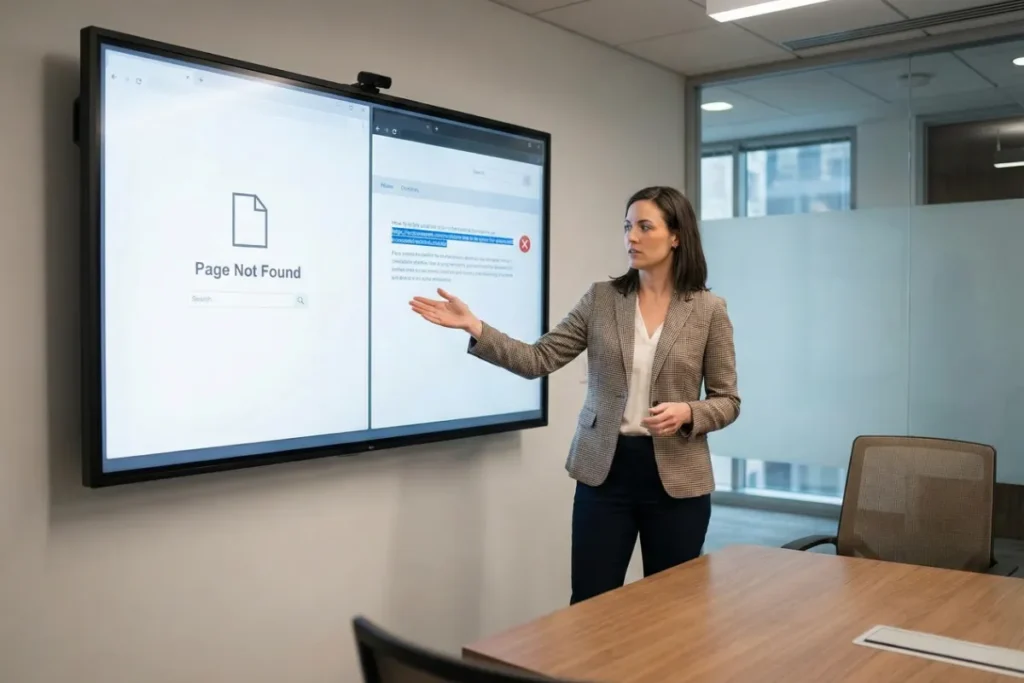
The free checks include making sure your 404 page works properly and confirming that all external links still take people to the right pages.
Let’s get into more detail about these inspections.
404 Error Page
Want to know a quick way to test if your 404 page is working correctly? Type a fake URL on your site, something like “yoursite.com/gibberish”, and see what happens.
A good and perfectly functioning 404 page guides visitors back to useful pages instead of leaving them stranded with a “Page Not Found” message. Doing so seriously influences your conversion rate (a dead end is all it takes to lose trust).
We recently helped a Brisbane business fix its 404 pages, and their bounce rates from error pages dropped almost immediately.
What should your 404 pages contain then? We recommend adding links to your homepage, popular pages, or a search bar. Just give people somewhere to go, and you’re fine.
External Links
It’s a good idea to click through every external link on your site to ensure it still works. Broken links annoy people and make your site look old.
And if you have a lot of pages or work with large sites, you’ll need to check them more frequently.
Most importantly, pay extra attention to any link that points to resources, services, or business partners. These external pages and offers change often, which means the links can break without you noticing.
Pro tip: Set a reminder to run through these links every few months. It takes ten minutes and saves you from sending visitors to hard stops.
Keep Your Site Healthy Without Paid Tools
Now you know that basic website checks don’t take long, and you don’t need expensive software to do it. Your phone, a browser, and a few minutes of clicking around can reveal problems that hurt your site’s performance and search rankings.
If you’ve found issues you’re not sure how to fix or want a professional to assess your site’s SEO health, get in touch with us. We’ll do a quick audit and point you in the right direction.