Tuesday
15 SepWhat Does Google Search Console Tell You About AI Search Visibility?
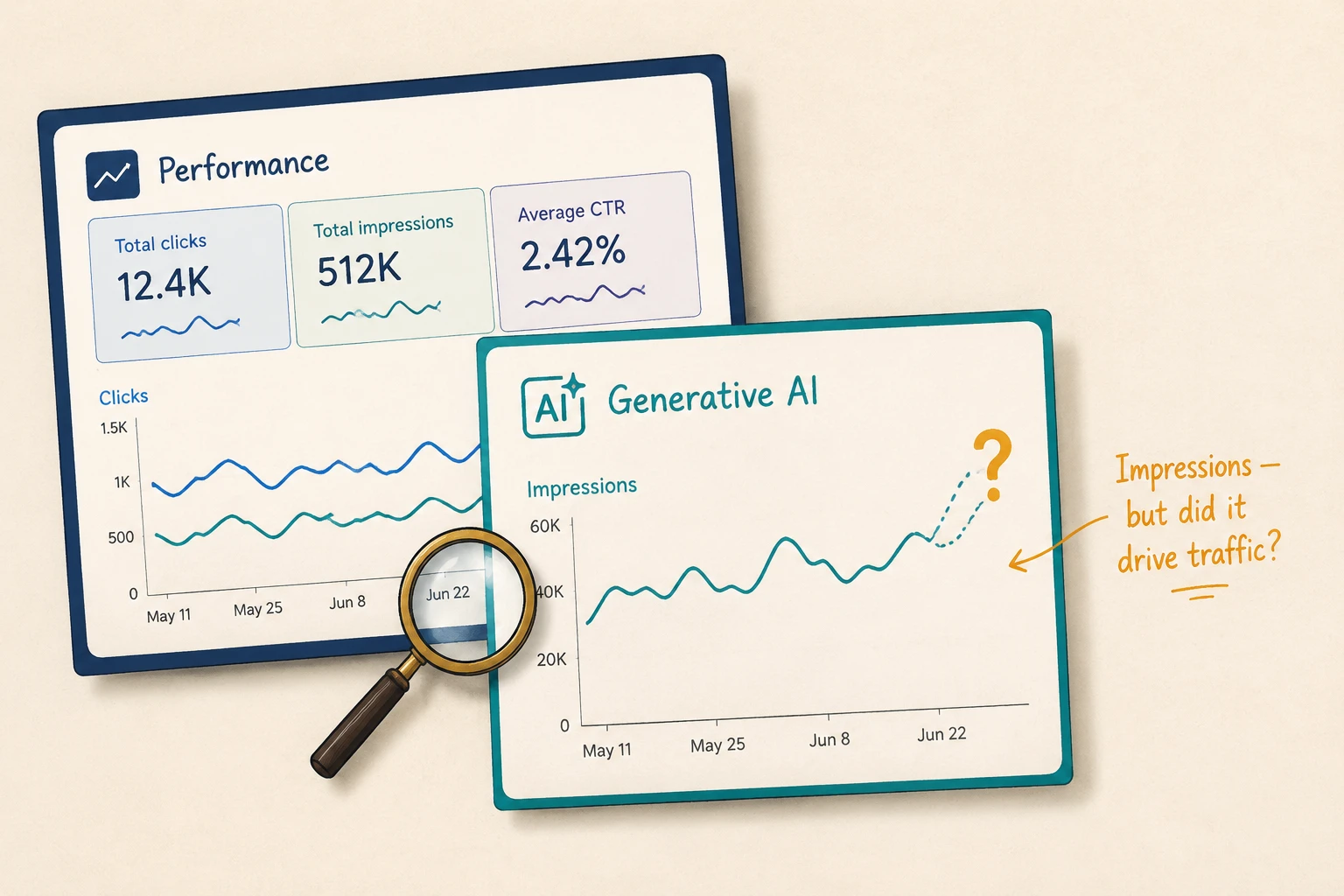
Google Search Console (GSC) now reports how often your content appears in Google’s AI Overviews and AI Mode. But the report shows impressions without telling you whether that visibility led to a visit to your site.
So while GSC gives you a useful measure of AI visibility, it doesn’t show the full picture of how users interact with those appearances. This article explains what GSC can reveal about your AI search visibility, where its data stops, and how to make sense of what you’re seeing.
Keep reading to learn more.
Using GSC Data to Assess AI Search Visibility
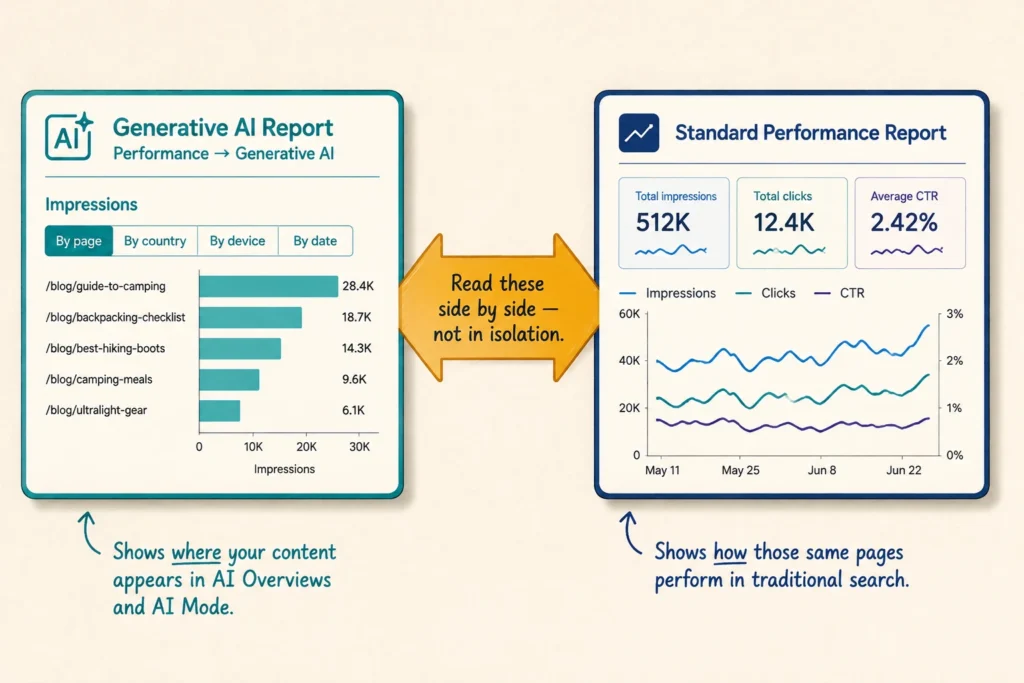
GSC gives you two useful ways to assess AI search visibility: the new Generative AI report and the standard Performance report. Let’s look at what each report can tell you.
Search Performance Data and AI Overviews
The Generative AI performance report shows you how often your site appears in Google’s AI Overviews and AI Mode. You’ll find it under Performance → Generative AI in Search Console, although Google is still rolling it out to a subset of site owners.
The report focuses on impressions and lets you break the data down by page, country, device and date. That means you can see which pages are appearing most often in Google’s generative AI features and whether that exposure is changing over time.
There’s also an important detail about how those impressions are counted. When you group the report by property, two appearances from the same site in a generative AI feature count as one impression in the chart. So if you see fewer impressions than expected, multiple appearances from the same site may be part of the reason.
Interpreting Impressions, Clicks and CTR
Say one of your pages suddenly earns triple the impressions in the standard Performance report, but clicks barely move. CTR (Click-Through Rate) shows whether those extra impressions are translating into more visits.
This is why you shouldn’t look at impressions or clicks on their own. Instead, read them alongside CTR to see whether increased visibility is actually bringing more people to your site. For example, your impressions may rise while your CTR falls. If the page is also appearing in AI Overviews, the AI-generated answer might be giving users less reason to click.
That doesn’t prove the AI Overview caused the change, but it’s a signal worth investigating. You can then check the affected queries and pages to see whether the pattern is concentrated around particular topics.
The Limits of Google Search Console for AI Visibility
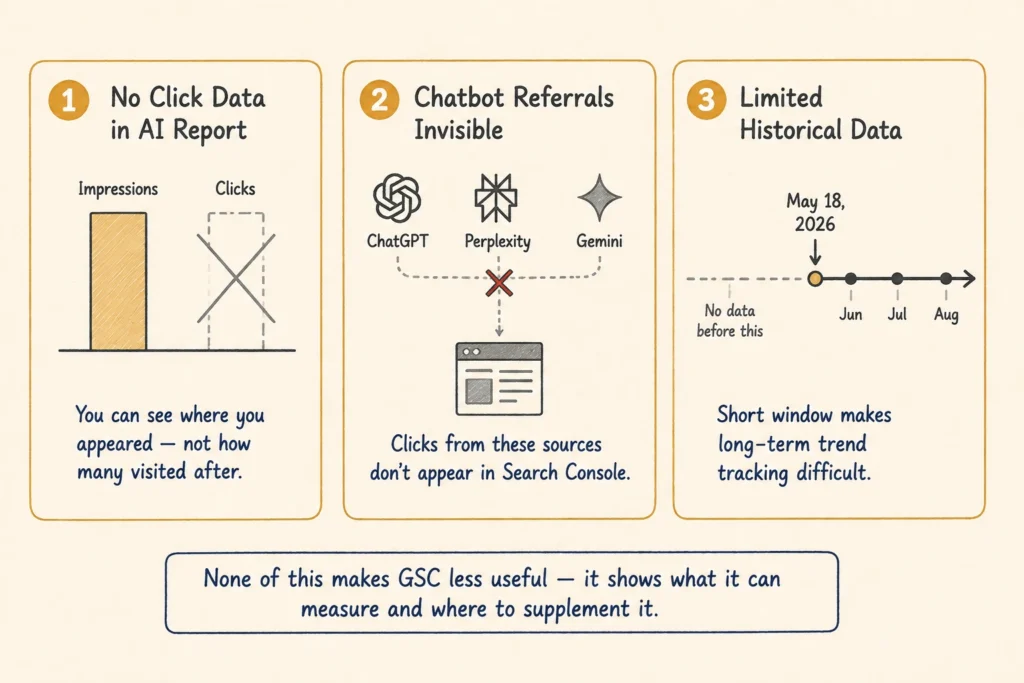
Despite all this new data, GSC still can’t answer the one question most site owners actually care about: did it drive any traffic? Here’s where the gaps show up:
- Click Data in the Generative AI Report: The report shows impressions but not clicks. Without the click data, you can’t tell how many people visited your site after seeing your content in an AI result.
- Chatbot Referral Visibility: If someone clicks a link to your site from ChatGPT, Perplexity or Gemini, you won’t see that referral in Search Console. The data is limited to activity from Google Search and its own search features.
- Historical Data Limitations: GSC’s Generative AI report only provides data from May 18, 2026 onward. That gives you a short window for tracking how your AI search visibility changes over time.
None of this makes GSC less useful. Rather, it gives you a way to track AI visibility. You can also pair it with website analytics and your SEO reporting to get a clearer picture of whether that visibility drives traffic to your site.
How to Pull This Data in GSC (Step by Step)
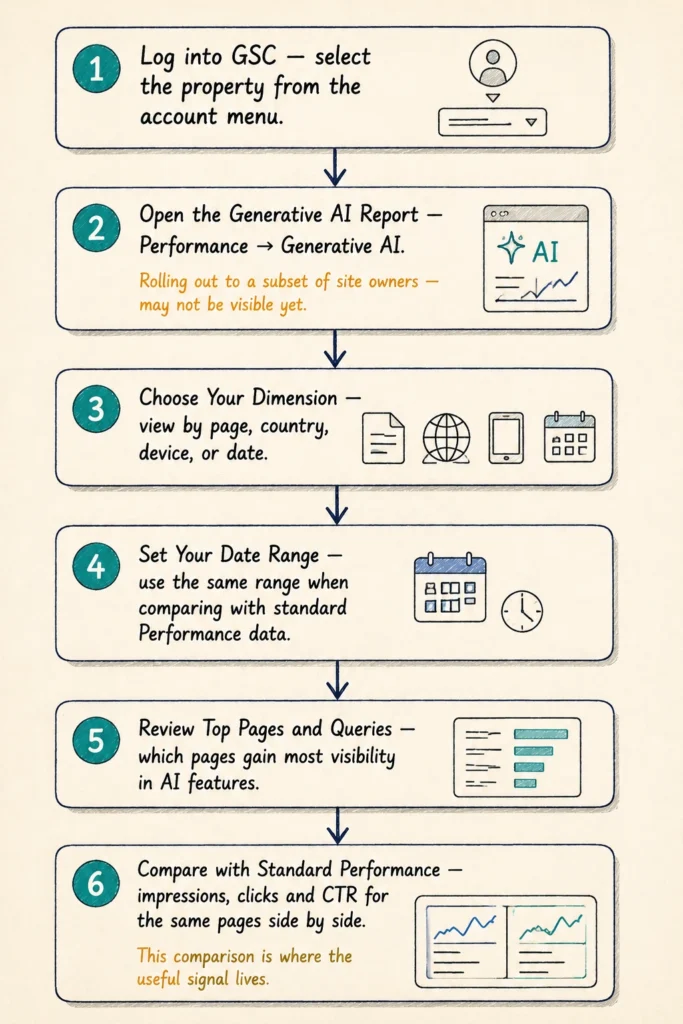
The Generative AI report is quite simple to find once you know where it is. Follow these steps to access and analyse the data:
- Log into Google Search Console: Select the property you want to analyse from the account menu.
- Open the Generative AI Report: As we said already, you’ll find this data under Performance → Generative AI. It basically shows your site’s impressions from AI Overviews and AI Mode.
- Choose Your Dimension: The available breakdowns let you view AI visibility by page, country, device or date.
- Set Your Date Range: Choose the period you want to analyse. Use the same date range when comparing this data with your standard Performance report.
- Review Your Top Pages and Queries: When you review these, you can see which pages and search terms are gaining the most visibility in Google’s AI features.
- Check Your Standard Performance Data: Compare impressions, clicks and CTR for the same pages or queries. This way, you can spot changes in traditional search performance alongside your AI visibility.
For ongoing monitoring, export the data periodically and compare the same pages and queries over time. This makes it easier to spot whether your AI visibility is growing, declining or shifting towards different topics.
Getting the Full Picture of Your AI Search Visibility
GSC gives you useful, first-party data on how your content appears in Google’s AI Overviews and AI Mode. The Generative AI report shows where you’re gaining visibility, while the Performance report shows how those pages are performing in search.
The goal is to look at these numbers side by side and track them over time. Together, they show whether your AI search visibility is actually affecting your wider search performance.
Want expert eyes on how AI search is affecting your website? H-Mag can analyse your search data, track changes in AI visibility and show you where your SEO needs attention. Get in touch for a free consultation.
Frequently Asked Questions
The data in GSC can answer a lot of questions, but it also raises a few others about SEO performance and visibility. These FAQs cover some of the most common ones.
Which SEO Metrics Should You Keep an Eye On?
There’s no single metric that tells you whether your SEO is working. Organic traffic, impressions, clicks, CTR and average position can each show you something different, so it’s useful to look at them together.
Can AI Search Reduce Organic Traffic?
It can. AI-generated answers can give people the information they’re looking for without a click, which can reduce the number of visits some pages receive from traditional search.
What Can You Do to Improve Search Visibility?
Start with the basics: target relevant search queries, publish useful content and fix technical SEO issues that could stop search engines from finding or understanding your pages.
How Is Brand Visibility Different From Search Visibility?
Search visibility is about how often and where your pages appear in search. Brand visibility is broader. It includes the times people encounter your brand in search results, AI answers and other places online.
