
Friday
2 OctWebsite Optimisation Tips for Better Search and User Experience
You’ve probably clicked away from a slow website without a second thought. Your visitors do the same thing on your site, and most won’t tell you why they left.
Website optimisation closes the gap between a site that loses visitors and one that keeps them. It means fixing the speed, structure, content, and usability issues that silently push people away before they act. Fortunately, none of these fixes requires a full rebuild. You just need to make the right adjustments in the right order.
And this guide walks you through what to fix first and why each one changes your results.
Website Structure: Why Google Can’t Rank What It Can’t Find
Search engines can only rank pages they can find. If your site structure gets in the way, even your best content stays buried, no matter how well you wrote it.
Two structure problems cause most of this damage, and both are worth fixing early.
Fix Duplicate Content Before It Hurts Your Rankings
Duplicate content splits your ranking power across two or more competing pages.
You’ll often find this happening with duplicate product descriptions or boilerplate text, especially on ecommerce sites juggling dozens of near-identical listings. When Google finds the same content sitting on multiple URLs, it has to guess which one actually matters. That guess usually costs you visibility.
Canonical tags fix this by pointing crawlers to the version you want indexed. You add a short line of HTML to each duplicate, and mark the one that should rank.
Build a Site Structure Search Engines Can Follow
A flat, logical structure means Google crawls more of your pages, faster, especially when internal links give it a clear route from one page to the next. The fewer clicks it takes to reach a page from your homepage, the sooner it gets found.
That same internal linking also spreads ranking authority across your site and helps crawlers understand how your pages connect to each other. Broken links and orphan pages undo this, though, since Google can’t crawl a dead link or find a page with no links pointing to it.
So once your structure gives search engines a clear path, the next thing worth checking is your page speed.
How Website Speed Changes Your Conversion Rates
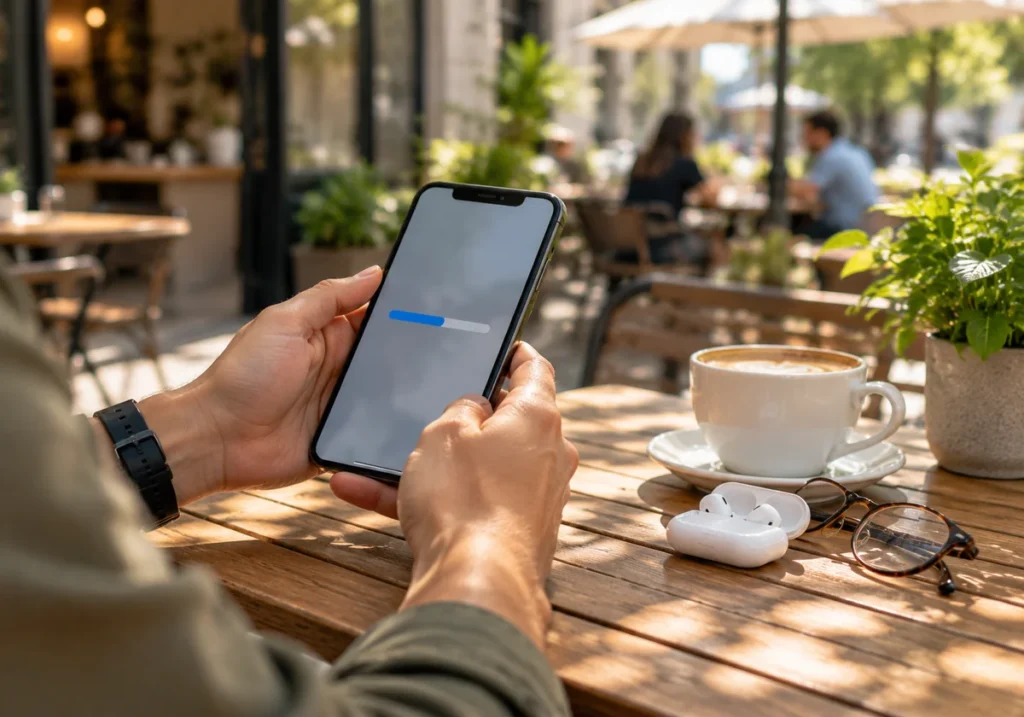
Speed hits your site from two directions at once: Google factors load time into search engine rankings, and visitors factor it into whether they stick around at all. Knowing which side is dragging your site down starts with checking the numbers.
Core Web Vitals are where to look first. These metrics assess key aspects of page experience, including loading performance, responsiveness, and visual stability. A site scoring poorly on these often ranks lower in search results, even when the content itself is strong.
We find the most reliable speed gains usually come from a few specific fixes:
- Compress Images: Large image files are the most common cause of slow load times on business websites. Tools like TinyPNG can shrink file size by 60 to 80% with barely any visible difference.
- Enable Browser Caching: Caching saves parts of your site on a visitor’s device the first time they load it. Their next visit pulls from that saved copy instead of downloading everything again, which speeds things up noticeably.
- Check Mobile Load Time: Mobile devices often load slower than desktops due to weaker connections and smaller processors. If you use Google Analytics, it’ll report the two separately, so you can spot exactly where mobile visitors are dropping off.
Fixing these issues takes different amounts of effort. Most of the time, image compression is a quick, do-it-yourself job, while caching or server-level changes might need a developer’s help.
Content Creation That Earns Rankings and Actually Converts

If you write content around what your target audience wants to know, it’ll earn both rankings and trust. Yet most business websites do the opposite. They write for a keyword first and the reader second, and it shows.
Yes, you can start with keyword research, but treat it as a starting point rather than the finish line. A quick search on Google Trends or Search Console shows you what people are asking. Then your job is to answer that question better than the pages currently ranking above you.
Honestly, content marketing works best when it solves a real problem instead of padding out a word count. A page explaining “how to choose a security door” should walk through material, budget, and installation, not circle the topic without landing on an answer.
Worth Noting: Duplicate or thin content drags rankings down just as much as duplicate pages do. If two blog posts cover the same ground, merge them into one stronger page instead of splitting your authority between two weak ones.
While good content earns attention, usability decides whether visitors stick around to read it.
How to Fix Small Usability Issues With Big Payoffs
Usability means how easily visitors can read, navigate, and act on your site. A page can rank well and load fast, and still lose customers if people can’t find what they need once they’re on it.
We find the sites that struggle most usually aren’t broken; they’re just built around what looks good in a mockup rather than how someone taps through on a phone. And most of these problems fall into just a few common patterns.
The table below breaks down the usual suspects and what they cost you:
| Common Usability Issue | Effect on Visitors |
| Cluttered navigation menus | Visitors leave looking for what they can’t find |
| Small tap targets on mobile devices | Frustrated taps and accidental clicks |
| Unclear button or link labels | Hesitation instead of action |
These fixes take different amounts of effort. For starters, widening a menu, resizing a button, or renaming a vague link like “click here” can improve customer experience without touching your site’s structure.
However, if these small fixes don’t move the needle, the problem might run deeper. A usability audit from an SEO consultancy like H-Mag can help identify where visitors are dropping off and what’s causing it.
Conversion Rate Optimisation: Small Tweaks That Get More Visitors to Buy

Conversion rate optimisation (CRO) is the process of testing small changes to your layout and copy to see what encourages more visitors to take action.
A/B testing is the usual method here. A tool like Google Optimize or VWO splits your visitors between two page designs and tracks the results. You might test a button that says “Buy Now” against one that says “Get Yours Today,” then compare the click-through rates. A clear gap between the two shows you which wording works better for your audience.
But wording only gets you so far if visitors still don’t trust what they’re buying. Reviews, guarantees, and return policies close that gap for visitors who aren’t ready to commit. You can build these trust signals into a page with:
- A visible review rating and review count near the price
- A money-back guarantee, where one applies
- A clearly stated return policy like “30 days for a full refund”
Remember that conversion rate optimisation doesn’t replace good content or a fast site. It’s the layer that converts visitors who already trust your site into customers who actually buy.
Where Does Market Research Fit Into Your Optimisation Plan?
Ever wondered why two competitors selling the same product end up with completely different rankings? Market research reveals what sets their audiences, search behaviour, and optimisation strategies apart. Skipping this step means guessing at what your target audience wants instead of checking.
A quick look at competitor sites shows the search terms they’re ranking for and the digital marketing strategies driving their traffic. That way, you know exactly what you’re up against before you try to outrank them.
If you’re doing this for the first time, start with your three closest competitors rather than the whole market (analysing everyone just burns a weekend for nothing).
While you’re there, note the keywords your competitors missed and the questions their content still leaves unanswered, then build a page that answers what theirs doesn’t. This is how smaller sites outrank bigger ones with far less spend.
Even an hour of research can point you toward specific fixes for your next move, whether that’s a new page, a different keyword, or a pricing change.
Ready to Put This Into Action?
Website optimisation works best when structure, speed, content, usability, conversion rate optimisation, and market research all move together. Skip one, and the rest have to work harder to make up for it.
Start with whichever area felt most relevant to your site right now. If you’re not sure where to look first, a quick audit generally reveals the biggest wins fastest.
We at H-Mag have walked plenty of businesses through this exact process. Get in touch if you want a second pair of eyes on your site, and we’ll show you where to start.
Frequently Asked Questions
Here are a few questions we hear often from business owners working through this process.
What’s the Difference Between On-Page SEO and Off-Page SEO?
On-page SEO covers what you control directly: page titles, meta descriptions, and content on a given page. Meanwhile, off-page SEO covers external signals like backlinks from other websites. Both affect search engine rankings, but on-page SEO is typically where beginners should start.
Why Does User Experience Affect My Search Engine Rankings?
Google tracks how users navigate your site, including bounce rate and time on page, as part of user experience. A confusing user interface or slow site speed pushes users back to search results fast. Poor user satisfaction signals tell Google your page isn’t the best answer.
How Do I Know if My SEO Strategy Is Actually Working?
Track your keyword rankings monthly and watch for movement on your target terms. A good SEO strategy should also improve business outcomes like leads or sales, not just position in search results. If rankings climb but paying customers don’t increase, something in your buying journey still needs fixing.
Can Email Marketing and Website Optimisation Work Together?
Yes. Email marketing drives potential customers back to an optimised page, and a strong page keeps them there once they arrive. This combination supports customer acquisition across multiple digital channels rather than relying on search traffic alone. It also gives you more complete control over the customer journey.
